What website hosting is and what to look for in Australia
Hosting plans look alike on a sales page and very different on a bad day. Here is what you are paying for, what an Australian server really changes, and the questions to ask before you sign.

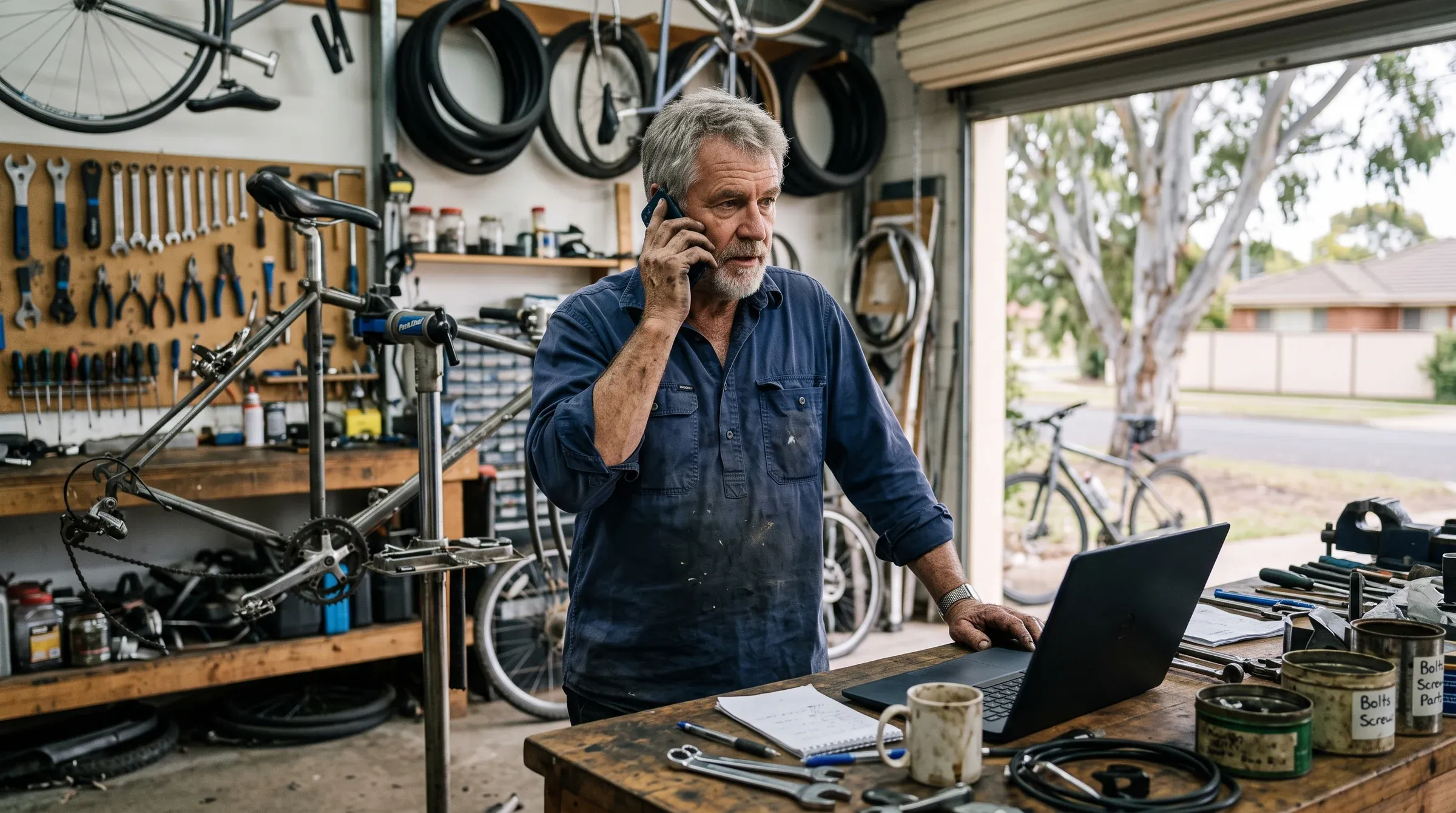
Website hosting is the rented computer your site lives on, plus the company that keeps it running.
Most owners think about it twice. Once when a quote arrives with a hosting line on it, and again when the site is down and nobody knows who to call.
This guide covers what you are paying for and what an Australian server really changes. Most of it is about the bad day, when backups, support and the fine print decide how long you are offline.
What website hosting actually is
Hosting is the premises your website trades from. Your domain is the sign out the front, and the website is the fit-out people walk into.
- Your websitethe pages, photos and forms people see
- Hostingthe computer that stores it and hands it over
- Domainthe address that points visitors to that computer
When someone types your address, their browser looks up where the domain points and asks that computer for the page. Depending on the plan, the hosting bill pays for some or all of this:
- The server itself, its memory and its share of processing power.
- The software your site runs on, such as PHP and a database for WordPress, kept on current versions.
- The security certificate that puts the padlock in the address bar.
- Backups, and someone able to restore them.
- A person watching for outages, attacks and full disks.
The cheapest plans tend to include the first item and leave the rest to you. You usually find that out on the day you need the rest.
Shared, VPS, managed or built into a site builder
A small business is likely to be offered one of four kinds of hosting. What separates them is who does the maintenance.
| Type | What it is | Who keeps it running | Usually suits |
|---|---|---|---|
| Shared | Your site sits on one server alongside many others | The host keeps the server up. Updates and backups for your site are mostly yours | A simple site with someone technical looking after it |
| VPS | A walled-off slice of a server with its own memory and processing | You, or whoever you pay | Busier sites, online shops, custom software |
| Managed | Hosting plus a team that updates, backs up and watches the site | The provider, within what the plan lists | A site that brings in work, owned by someone who would rather not touch it |
| Site builder | Hosting bundled into Wix, Squarespace or Shopify | The builder company | Owners happy to stay on that platform for good |
Google’s performance guide on web.dev says hosting is the first thing to look at when a server is slow to respond, and that shared hosting is generally slower. For a brochure site that is often fine. For a site taking bookings or payments, a busy neighbour on the same server becomes your problem.
Builders have a catch that rarely makes the sales page. Wix says in its own help centre that your site must run on Wix’s servers, so leaving means a rebuild. There is a longer comparison of Wix, Squarespace and WordPress if you are weighing builders against self-hosted options.
What an Australian server changes, and what it does not
A server in Australia makes your site answer a little faster for Australian visitors. It is also a small hint to Google about who the site is for, and a long way short of a ranking fix.
The speed part is distance. Every request travels to the server and back, and the same web.dev guide notes that people far from a server can get a slow first response even from a well-built site. A content delivery network, which keeps copies of your pages closer to each visitor, narrows that gap wherever the main server sits.
On search, Google’s page on how it works out a site’s audience calls server location “not a definitive signal”, because so many sites use those delivery networks. It treats a country domain such as .com.au as a strong signal, with local addresses, phone numbers and your Business Profile as further hints.
- Takes some delay off each request from local visitors
- Keeps your site files and database onshore
- Answers customers who ask where their data is kept
- Fix a site weighed down by huge images and plugins
- Promise your backups are stored in Australia too
- Matter much once a delivery network sits in front
Most slow small business sites are slow because of what is on them, and a server in Sydney will not change that. There is more on spotting it in five signs your website is costing you customers.
Who takes the backups, and how fast you get the site back
A backup only counts if it lives somewhere other than the server it protects, and someone has actually restored from it.
Plenty of plans say “backups included” and mean a nightly copy on the same machine. If that server is hacked, fails, or the account is suspended over a missed payment, the copy goes with it. Ask these before you trust the word:
- Who takes the backups, the host or you?
- How often do they run, and how many days back can you go?
- Are they stored on a separate server or with a separate provider?
- How long does a full restore take, and does it cost extra?
The restore question is the one that matters. A host that cannot say when it last restored a site is guessing on your behalf.
Who keeps the site patched and secure
On most hosting, the host secures the server and you secure the website. That split catches a lot of WordPress owners out, because plugins and themes are the part that needs regular updates.
Here is who usually handles what:
- The server’s operating system and core software. The host, on almost every plan.
- The PHP version. Sometimes the host’s call, sometimes a setting in your control panel. Old sites often get stuck on an outdated one.
- WordPress, the theme and every plugin. Yours, unless the plan is managed.
- The security certificate. Often free and renewed automatically, though worth confirming.
- Cleaning up after a hack. Included by some hosts, billed by others.
The web.dev checklist for choosing a host asks whether the provider keeps server software up to date, since newer versions tend to run faster. Also ask who checks the site still works after plugin updates.
An update that quietly breaks the contact form can cost a fortnight of enquiries. If a site needs to get the phone ringing, the contact form is the last thing you want broken silently.
What a 99.9% uptime promise actually allows
Uptime is the share of time your site can be reached. A 99.9% promise sounds close to perfect and still allows about 43 minutes offline in a 30-day month.
Read the service level agreement behind the number. Check what a breach pays, which is usually a credit on a future hosting bill, and whether announced maintenance is left out of the count. Do not expect any of it to cover the jobs you lost while the site was down.
Google is more patient than your customers. Its documentation on how it handles server errors says its crawler slows down when a site keeps failing, and pages that keep returning errors are eventually dropped from the index.
Who answers when it breaks
How fast a capable person picks up matters more than the uptime figure. Ask whether support runs by phone, chat or ticket, what hours it keeps in your time zone, and whether the person answering can fix things or only log them.
The cheap hosting traps that cost the most later
The cheap plan is rarely the problem on day one. These are the versions we run into most:
- The renewal jump. Headline prices are often introductory rates tied to a long prepaid term, and the renewal can be several times higher. A plan advertised at a few dollars a month might lock you in for three years upfront, then renew at double or triple the monthly rate. Read the renewal price before the first one.
- Email tied to the hosting. Mailboxes created inside the hosting account disappear when it is cancelled or suspended. Email on its own service, such as Microsoft 365 or Google Workspace, survives a hosting change. There is a step-by-step guide to getting a professional business email address that covers moving off hosting-bundled mail.
- Backups that were never there. Left out, sold as an add-on, or kept on the same server.
- A domain in someone else’s name. If a developer or host registered it under their details, you need their cooperation to leave. Our guide on what a domain name is and how to choose one covers keeping registration in your own name.
- No way out. A builder site that cannot be exported, or a site inside a developer’s account with no login of your own.
Before you cancel any hosting, take a full copy of the site and its database, move every mailbox, and confirm where the domain is registered. Once the account closes, assume everything on it is gone.
Questions to ask any host before you sign
Paste these into an email and judge the provider on how plainly they answer. A vague reply on backups tells you plenty.
- Where are the servers, and where are the backups stored?
- How often are backups taken, how long are they kept, and how fast can you restore one?
- Who updates WordPress, plugins and PHP, and who checks the site afterwards?
- What does the plan cost at renewal?
- What happens to my email if I leave?
- Is the domain registered in my business’s name?
- Who answers support, how, and in what hours?
- If I cancel, how do I get a full copy of my site?
If you already have hosting, start with question two today. Ask your current host where your last backup is and how long a restore would take.
At Crsp Digital, hosting on Australian servers comes as part of our plans, with backups and updates looked after for you. If you would rather never work through this list again, see how hosting fits into a ten-page site with your Google listing sorted, or compare everything on the pricing page.
Frequently asked questions
What is website hosting and do I need it?
Hosting is the computer your website is stored on and served from, rented from a company that keeps it switched on and connected. Every website needs it. Sometimes it is a separate bill, and sometimes it is bundled into a site builder or a monthly website plan.
What is the difference between a domain name and hosting?
The domain is the address people type, and the hosting is where the site actually lives. They are often bought from different companies, and it is worth keeping the domain registered in your own business name whoever does the hosting.
Is Australian hosting better for SEO?
Only slightly. Google lists server location as one signal of who a site is for, but describes it as not a definitive one, and a .com.au domain, local contact details and a Google Business Profile carry more weight. The bigger benefit of a local server is a quicker response for Australian visitors.
How much does website hosting cost in Australia?
Cheap shared plans often advertise a few dollars a month, usually on a long prepaid term that renews at a much higher rate. Managed hosting costs more because someone else handles updates, backups and monitoring. Compare the renewal price and what is included, not the headline figure.
Will I lose my email if I change web hosts?
If your mailboxes were created inside the hosting account, yes, unless they are moved first. Keeping email on a separate service such as Microsoft 365 or Google Workspace means a hosting change never touches it.
Does my web host back up my website?
Some do, some charge extra, and some leave it entirely to you. Ask how often backups run, where they are stored, and how long a restore takes, because a backup kept on the same server as the site can be lost along with it.
What does 99.9% uptime actually mean?
It allows roughly 43 minutes of downtime in a 30-day month, or close to nine hours over a year. Check what a breach of that promise pays. It is usually a credit on a future hosting bill, and you should not expect it to cover lost business.
Can I move my Wix site to another host?
No. Wix states that sites built on it must run on its own servers, so leaving means rebuilding the site elsewhere. Other builders have their own export limits, so check them before you build.
The website hosting checklist.
What to ask any web host before you sign, on one page.