Google Business Profile is the free tool most small businesses waste
It costs nothing, takes an afternoon to set up properly, and directly affects whether you show up in local search and Google Maps. Most small businesses still treat it as a "set and forget" listing.

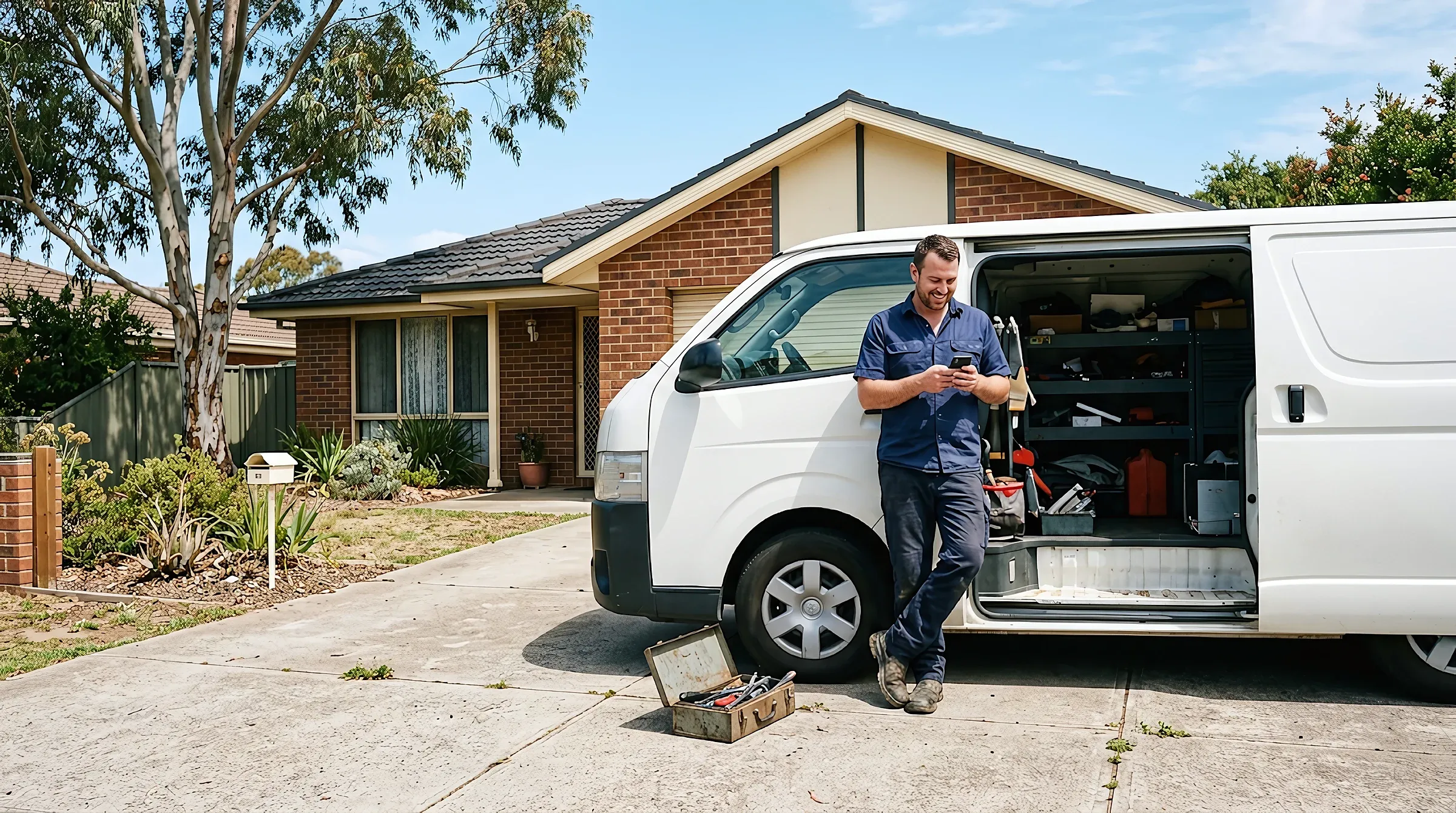
Google Business Profile is free, takes an afternoon to set up properly, and decides whether you turn up in local search.
Most owners claim the listing in their first week of trading and never open it again. Two years on the hours are wrong and the photos were taken before there was any stock on the shelves. Nobody has replied to a review. That reads as a business nobody is minding, to Google and to the person choosing who to ring.
This guide covers the parts that change how many calls you get: verification, categories, hours, photos and reviews, service areas if you have no shopfront, and the things that get a listing suspended.
Claim and verify the profile before anything else
Nothing you do counts until Google confirms you own the listing. An unverified profile can still show up, but you cannot fix a wrong phone number or reply to a single review.
Google decides which verification method you get, based on what it can already confirm about you. There is no menu to choose from.
- Phone or text, with a code read out or sent to your listed business number
- Email, usually to an address on your own domain
- Video call, where you walk a reviewer around the premises, the signage, and your tools or stock
- Postcard, with a code mailed to the business address
- Search Console, instant in some cases if the site’s domain is already verified
Two things catch people out. A verification review can take up to five business days, and a mailed code takes longer again, so do not start the week before you go away.
If somebody else already holds the listing, there is a process to request access from them. That comes up a lot with businesses that changed hands or used an agency once.
Your categories decide which searches you can show up for
The primary category is the biggest single lever on the profile, and most businesses pick it once in a hurry. It tells Google what you are, and it sets which local searches you can show up for at all.
Google’s own rule is to choose categories that finish the sentence “this business is a”, rather than “this business has a”. A cafe that sells bread is a cafe, not a bakery.
Work through it in this order:
- Pick the most specific primary category that genuinely fits your main trade
- Add secondary categories only for services you actually sell
- Leave off anything that describes a thing you have, like a car park or a meeting room
- Check the list again every few months, because Google adds and retires categories
Google’s guidance is to use as few categories as you can, because a specific one already implies the broader one. Choose “nail salon” and you do not also need “beauty salon”. The guidelines for representing your business spell this out.
Hours and public holidays cost you more than you think
Wrong hours lose you customers who had already decided to use you. They ring, nobody picks up, and they go straight back to the results page.
Public holidays are where nearly every profile falls over. Google has a special hours setting for it, and it will often prompt you before the big ones, but that prompt is easy to dismiss and easier to forget.
Set special hours for your state's public holidays at the start of the year, not the week before. A profile showing "hours might differ" on Anzac Day tells everyone that nobody is minding the shop.
Worth filling in while you are in there:
- Regular hours for every day, including the days you are closed
- Special hours for public holidays and the Christmas shutdown
- More hours where they apply, like kitchen or trade counter times
- A line in the description if you take calls outside opening hours
If your hours genuinely move around week to week, say so in a post and keep the main hours honest rather than vague.
Photos, reviews and posts are what keep it alive
A profile somebody touches most months looks different to one that has not changed in two years, and the person deciding between you and the business listed above you can see the difference.
| Section | What to add | Realistic cadence | What it does for you |
|---|---|---|---|
| Photos | The actual ute, the shopfront, a job half finished | A handful a month, taken on your phone at the job | Shows the work is real and recent |
| Reviews | A short reply to every one, including the four-star ones that say nothing | Within a few days of it landing | Speaks to the next person reading, not the reviewer |
| Posts | One update with a photo, an offer or a seasonal note | Once a month is plenty | Puts something in front of someone already looking at you |
Stock images are the thing to avoid. People spot them instantly, and somebody else’s kitchen says nothing about whether you will turn up.
On reviews, a steady trickle over months does more than five in one week followed by a year of silence. Keep the replies to bad ones short and factual and skip the excuses, because what makes someone call your business is mostly made of small signals like that.
Honestly, posts are the least important item in that table. A Google Post drops off the main view after a week or so, which is the point of it. Do them last.
Service areas if customers never come to you
If you go to the customer rather than the other way round, take the address off the profile and set service areas instead. Google is direct about this, and a pretend shopfront at a residential address is one of the fastest routes to a suspension.
| Detail | Storefront | Service area | Hybrid |
|---|---|---|---|
| Address shown | Yes | No | Yes |
| Service areas set | No | Yes, up to 20 | Yes |
| Suits | Shops, clinics, showrooms | Mobile mechanics, sparkies, cleaners | A workshop people visit, plus mobile callouts |
| Usual mistake | Hours left stale | Home address left visible | Only one of the two set up |
The limits matter. You get up to 20 areas set by suburb or postcode, you cannot draw a radius, and the whole area should stay within roughly two hours’ drive of your base, per Google’s service area guidance.
Claiming half the state does not win you more work. It makes the listing less believable, to Google and to the person reading it.
What actually gets a listing suspended
Suspensions are nearly always self-inflicted, and they come from the profile claiming something that is not true. There is usually no warning. The listing just goes.
The common causes:
- A business name stuffed with keywords instead of the name on your sign and your invoices
- A mailbox, a virtual office or a home address presented as a shopfront
- Service areas covering far more ground than you could ever service
- A category or service that needs a licence you cannot produce
- Reviews that look paid for, incentivised, or written by staff
The name on the profile has to match the name customers see in the real world. "Joe's Plumbing" is fine. "Joe's Plumbing Port Macquarie Emergency Hot Water 24/7" is a reinstatement request waiting to happen.
You can appeal, but nothing gets reinstated until the cause is gone, so fix the name or the address first.
What a complete profile has, next to a neglected one
A complete profile is not a big job. It is about a dozen fields and one habit.
- Verified, with the right person holding the access
- Exact business name, no keywords bolted on
- One specific primary category plus honest secondary ones
- Hours for every day, plus special hours for public holidays
- Phone number and website link that both work on a mobile
- Recent photos of real work, added most months
- Every review replied to
Put the two versions side by side and a customer can tell straight away.
The gap between those columns is about twenty minutes a month. It is also part of why two businesses doing identical work in the same suburb get very different numbers of calls, and if you are not appearing at all, the reasons a business does not show up on Google run wider than the profile.
Where to start, and what the first month looks like
Fix your hours today, including the next public holiday. It is the one change that can win back a customer this week.
- Week oneClaim and verify. Correct the name, hours, phone and website link, then set special hours for the next public holiday.
- Week twoSort the categories. If you have no shopfront, hide the address and set your service areas.
- Week threeAdd ten photos of real work. Reply to every review sitting there unanswered, oldest first.
- Week fourPost one update, ask three recent customers for a review, and put a monthly reminder in your calendar.
After that it is a habit rather than a project. At Crsp Digital we set the Google listing up properly and keep it current as part of a plan that covers the site, the email and the listing together, mostly so it never becomes the job you keep meaning to get to.
Frequently asked questions
Is Google Business Profile actually free?
Yes, completely. Google does not charge for the listing, for verification, for posts or for replying to reviews. Anyone ringing to sell you a paid listing or a verification fee is not Google.
How long does Google take to verify my business?
A verification review can take up to five business days once you have submitted, and a postcard code can take a couple of weeks to arrive on top of that. Codes expire, so start the process in a week when you can act on it.
How many categories should I add to my Google listing?
One specific primary category, plus only the secondary ones you genuinely offer. Google's guidance is to use as few as possible, and a specific primary category already brings the broader ones with it in the background.
Should I hide my address if I work from home?
Yes, if customers never come to you. Remove the address and set service areas instead, because a home address presented as a shopfront is one of the more common reasons listings get suspended.
How many suburbs can I put in my service area?
Up to 20 areas, set by suburb or postcode, and the whole area should sit within about two hours' drive of where you are based. You cannot draw a radius, and claiming more ground than you can service works against you.
Do I have to reply to bad reviews?
You should. The reply is really for the next person reading, so keep it short and factual and skip the excuses. A calm answer under a one-star review does more good than the review does harm.
Does posting on Google Business Profile help my ranking?
Posts are not a big ranking lever on their own, but they show the business is active and they put an offer in front of someone already looking at you. One a month is plenty.
Why has my Google listing disappeared?
The most likely answer is a suspension, usually caused by a keyword-stuffed business name, an address you do not trade from, or a service area much wider than you could cover. You can appeal, but fix the cause first.